
Multiple Photo Blender2.0.1 - Google Play
Please wait ... The app listing is being verified for availability.
You'll be able to see results in few seconds.
You'll be able to see results in few seconds.
Publisher Description
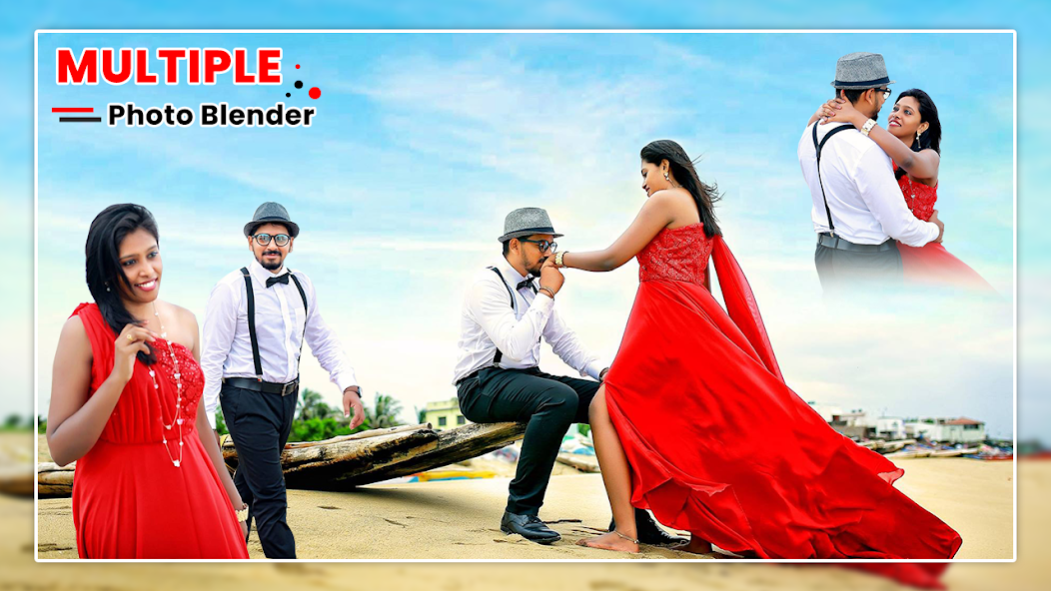
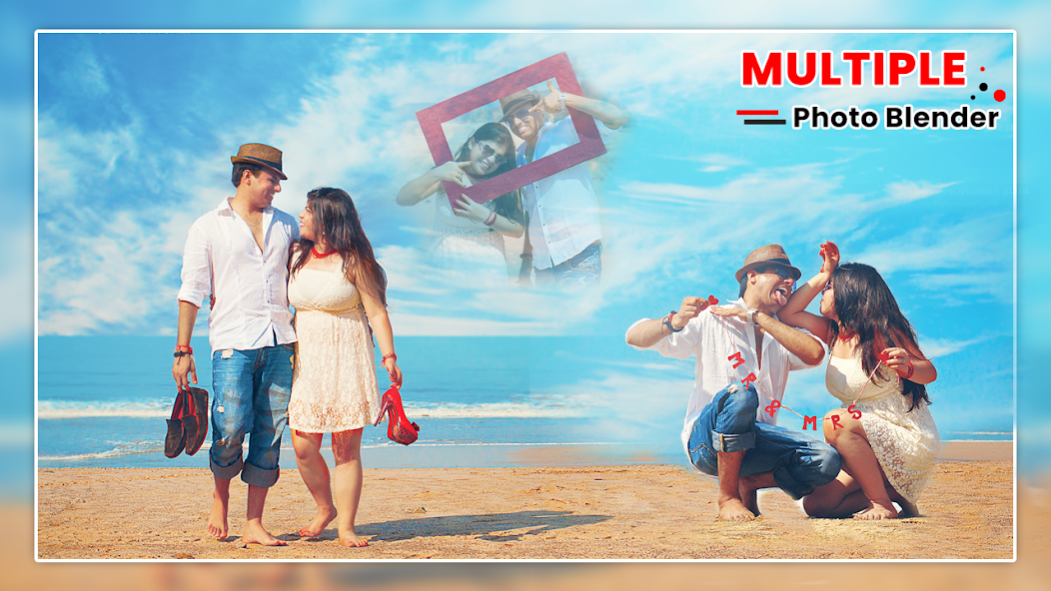
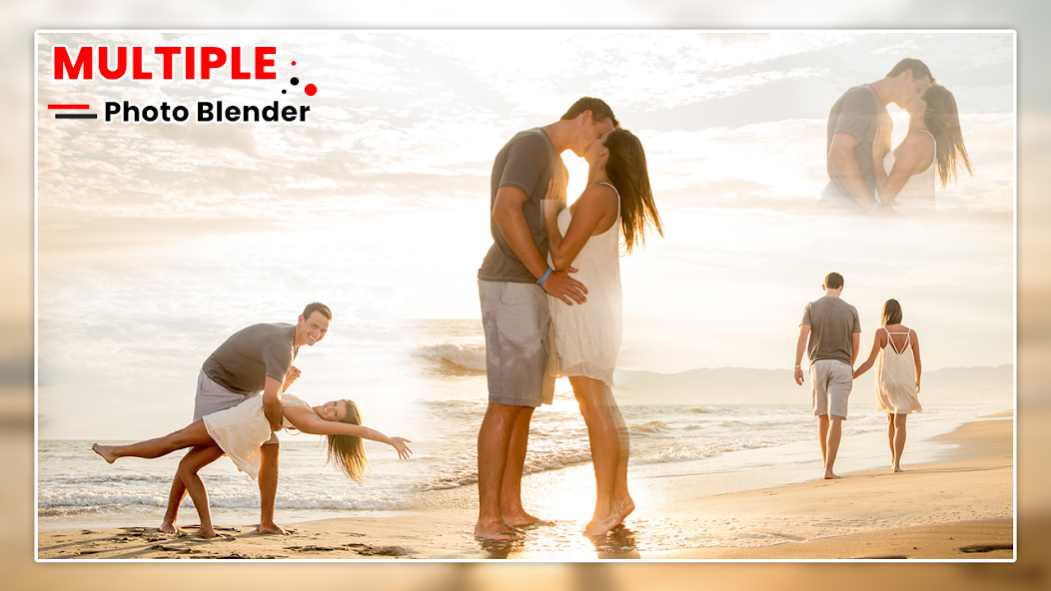
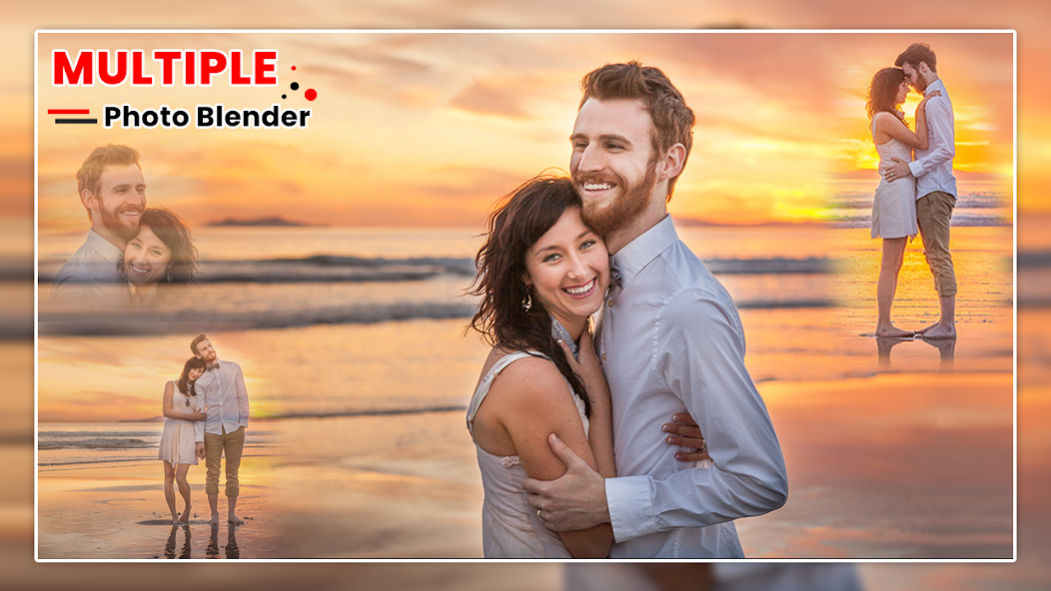
is a best Free and ultimate photo editor and blender effect application. Make your normal daily photos more interesting with ease, just select a picture from your gallery or capture from camera and mix this picture with our existing stunning picture collection or choose another picture from camera or gallery and blend them together to get an amazing result.
Multiple Photo Editor : Blender Effect
Multiple types off effect are available like. Create professional photo effects with advanced tools like Effects, Sticker, Overlay, Brightness, Rotate, Flip, blending, mixing, effects and many more.
Sticker and Text
Using
Multiple Photo Blender
sticker images you will add some cool stickers from our updated collection. Using Sticker maker you can make your own sticker with custom text over your pic and add stickers over the pic Write text on pictures with photo text editor on image in sticker. Now you can customize font style and add unlimited funny stickers over your photo.
Blender Camera
Blender camera supports images combiner so you will create double exposure camera effect and create blend collage photo frame with multiple photos. Blend camera will merge photos into one layer photos frame.
PIP Camera
PIP Camera with amazing pic-in-pic photo effects.Photo Maker provide you different kinds of artistic photo filters effect, make your photo more artful and professional.
Mirror Camera
Mirror Camera application provide mirror on your device. You go anywhere and you have a no any type of mirror and you want to comb your hair, make up your face or more thing.
Photo Color Filter
Use photo color filter from different filter effect on your photo. There is wide range of new filters available for your memory photos & edited images.
Why this app?
Our photo blender app chooses reason:
-
Multiple Photo Blender
allows you to combine two photos or more without any effort
-
Multiple Photo Blender
makes you able to edit photos and retouch them and choose between many options
-
Multiple Photo Blender
interface is very easy and simple to use for any customer
- You can easily download the app
- You can download the app with no charges, and a free ultimate pack use.
Features:
- Apply overlay using photo blender app to give double exposure and crop your pic by your way.
- Adjust orientation of your pic for more reliable result.
- With photo mixer add multiple images in one photo & faded photo editor with smooth user experience.
- Simple User Friendly Application Design
- Cut & Crop Your Photos
- Mix and blender 1 or 2 or 2+ image with blending tools like double exposure photo.
- Professionals Editing Tools.
- Double Exposure Type Mix Photos
- Adjust Orientation to get perfect view of photos.
- 50+ Beautiful Backgrounds
- 100+ Awesome & Funny Stickers
- 20+ Stylish Photo Filters
- Share Photo Social Media With Your Friends.
Download
Multiple Photo Blender
application with blender and make your picture more effective.
About Multiple Photo Blender
Multiple Photo Blender is a free app for Android published in the Screen Capture list of apps, part of Graphic Apps.
The company that develops Multiple Photo Blender is Grapes Apps Developer. The latest version released by its developer is 2.0.1.
To install Multiple Photo Blender on your Android device, just click the green Continue To App button above to start the installation process. The app is listed on our website since 2020-11-08 and was downloaded 0 times. We have already checked if the download link is safe, however for your own protection we recommend that you scan the downloaded app with your antivirus. Your antivirus may detect the Multiple Photo Blender as malware as malware if the download link to com.multiplephotoblender.doubleexposure is broken.
How to install Multiple Photo Blender on your Android device:
- Click on the Continue To App button on our website. This will redirect you to Google Play.
- Once the Multiple Photo Blender is shown in the Google Play listing of your Android device, you can start its download and installation. Tap on the Install button located below the search bar and to the right of the app icon.
- A pop-up window with the permissions required by Multiple Photo Blender will be shown. Click on Accept to continue the process.
- Multiple Photo Blender will be downloaded onto your device, displaying a progress. Once the download completes, the installation will start and you'll get a notification after the installation is finished.
Program Details
System requirements
Operating systems
Android
Download information
File size
N/A
Total downloads
0
Pricing
License model
Free
Price
Version History
Here you can find the changelog of Multiple Photo Blender since it was posted on our website on 2022-01-02. The latest version is 2.0.1 and it was updated on Apps112 on 03 November, 2026. See below the changes in each version:
version 2.0.1
posted on 2020-11-08
Disclaimer
Official Google Play Link
We do not host Multiple Photo Blender on our servers. We did not scan it for viruses, adware, spyware or other type of malware. This app is hosted by Google and passed their terms and conditions to be listed there. We recommend caution when installing it.
The Google Play link for Multiple Photo Blender is provided to you by apps112.com without any warranties, representations or guarantees of any kind, so access it at your own risk.
If you have questions regarding this particular app contact the publisher directly. For questions about the functionalities of apps112.com contact us.
